

Corporate Volunteering Platform: A Practical Guide
Compare a corporate volunteering platform by discovery, registration, reporting, accessibility, and nonprofit partner experience before choosing.
Corporate volunteering can look simple from the outside: find an opportunity, register employees, show up, and report the results. In practice, the quality of each step affects participation, nonprofit relationships, and the credibility of your impact story. A thoughtful comparison should examine the full experience, not just the size of an opportunity database or the polish of a dashboard.
A corporate volunteering platform should help companies discover relevant opportunities, make registration clear for different employee groups, support accessible in-person, virtual, and hybrid participation, and produce useful reporting. It should also make life easier for nonprofit partners by clarifying expectations, coordination, and outcomes.
Explore corporate volunteering opportunities with Bike to the Beach
The right evaluation criteria become clearer once you separate the technology itself from the program services and community relationships around it. Start with what these platforms coordinate. Then assess how each option serves employees, administrators, and nonprofit partners.
What Is a Corporate Volunteering Platform?
A corporate volunteering platform is a digital system that helps an organization plan, promote, manage, and measure employee service opportunities. Instead of coordinating every sign-up through email, spreadsheets, and separate registration forms, a company can use one organized environment to connect employees with approved volunteer activities and keep program information in one place.
The exact capabilities vary by provider, but the core purpose is coordination. A platform may help administrators publish opportunities, share event details, manage registrations, communicate with participants, and track participation after an activity ends. It can also give employees a way to find opportunities that fit their interests, schedules, locations, or team activities. For a distributed workforce, that may include a mix of in-person, virtual, and hybrid experiences.
What the software typically organizes
At the program level, the system can support recurring service calendars, one-time events, employee groups, and internal volunteer campaigns. Administrators may use it to organize participation by department, employee resource group, office, or other audience. Post-event information can help a company understand who took part and what activities received the most engagement.
Measurement is another important boundary. A platform can make it easier to collect operational data such as registrations, attendance, and volunteer hours. Broader impact reporting may also include stories or community outcomes. But the quality of that reporting depends on the information gathered by the company and its nonprofit or community partners. Software can structure the data; it does not automatically prove that a project met a community need.
Software is not the same as event delivery
A digital platform is also different from an organization that designs and delivers volunteer experiences. For example, Points of Light describes corporate solutions that combine strategy, community partnerships, local expertise, volunteer events, and post-event reporting. Learn more about that distinction from Points of Light.
This difference matters when comparing options. A software vendor may provide the infrastructure for discovering opportunities, registering employees, communicating details, and recording results. An event organizer or nonprofit partner may identify a service need, recruit and prepare community partners, manage the experience on site, and adapt the activity to local conditions. Some providers offer both technology and services, while others focus on only one side.
When evaluating a corporate volunteering platform, first decide which problem you need to solve. If the challenge is scattered registrations and limited visibility, software may be the missing layer. If the challenge is finding meaningful projects, coordinating logistics, or creating an accessible experience for employees and community partners, hands-on program support may be just as important. Keeping those roles separate makes comparisons clearer and helps a company choose the right combination of tools and people.
How Should You Compare Opportunity Discovery and Registration?
A useful comparison starts before an employee clicks “register.” Ask whether the experience helps people find a meaningful opportunity. Understand what participation involves, and complete the next step without unnecessary friction. A corporate volunteering platform should support that full path, not simply display a calendar of events.
Can employees find opportunities that fit their real circumstances?
Review the search and filtering experience from an employee’s perspective. Can someone sort by location, date, cause area, time commitment, skill, or format? Local opportunities may matter to employees who want to serve near an office or home, while remote and hybrid options can include distributed teams. The comparison should also test whether results explain the community need and the volunteer role clearly enough for someone to make an informed choice.
Do not assume that a listing is accessible because it is easy to find. Look for practical information about transportation, parking, venue access, physical demands, technology requirements, interpretation, and other accommodations. Accessibility details should be visible before registration, with a clear way to request support. Research on disability inclusion in volunteering has identified inaccessible venues and limited organizer knowledge as barriers. These questions belong in the evaluation rather than in a last-minute email. One recent study of volunteers with disabilities offers useful context for this review.
Does registration answer questions and protect employee choice?
Walk through registration using several employee profiles. Can a new hire, an hourly worker, an employee resource group, and a remote employee access the same information and sign up through a comparable process? Check whether the form explains eligibility, age or participation requirements, capacity, waivers, deadlines, and what happens after submission. If approval is required, the employee should know who grants it and when to expect a response.
Then test the experience after registration. Are calendar holds, confirmations, reminders, waitlist updates, directions, and cancellation instructions available at the right times? Can team leaders see attendance without exposing information they do not need? Consider whether permissions distinguish employees, managers, nonprofit partners, and administrators. A strong process supports coordination while keeping personal data to a minimum. Collect what is necessary to run the event, communicate with participants, meet safety requirements, and report agreed outcomes. Avoid asking for sensitive information merely because the form allows it.
Use this short checklist when comparing options:
- Search supports local, remote, and hybrid opportunities.
- Listings explain eligibility, accessibility, expectations, and accommodations.
- Registration works for different employee groups and permission levels.
- Confirmations, reminders, attendance, cancellations, and waitlists are clear.
- Data collection is limited to a stated operational purpose.
Finally, judge the workflow against the broader goals of your corporate social responsibility events. The best choice is not necessarily the platform with the most features. It is the one that makes appropriate opportunities easier to discover, participation easier to manage, and employee and community trust easier to protect.
What Should a Platform Show About Reporting and Impact?
A useful dashboard should show more than how many employees registered for a service event. It should help a program team connect activity to intended results, while making clear where the evidence ends. That distinction matters when a corporate volunteering platform is used by several audiences, from program managers and employee resource groups to executives and community partners.
Separate outputs from outcomes
Outputs are the activities a program delivers: registrations, attendance, volunteer hours, projects completed, organizations supported, and locations served. Outcomes describe what those activities helped change, such as increased access to services, improved participant confidence, stronger nonprofit capacity, or deeper employee engagement. A platform should let teams report both without presenting an output as proof of an outcome.
A simple logic model can make the relationship visible. List the resources invested, the activities delivered, the immediate outputs, and the short- and longer-term outcomes the program intends to influence. The CDC evaluation framework offers a useful structure for planning an evaluation. These tools do not turn every community result into a clean platform metric, but they encourage better questions before data collection begins.
Combine quantitative and qualitative indicators
Quantitative indicators make activity comparable over time. Consider participation rate, repeat participation, volunteer hours, completion rate, employee group reach, event capacity, and the share of opportunities filled. For community reporting, track the outputs that partners can verify, such as meals prepared, spaces improved, or mentoring sessions completed. Use definitions consistently, and show the reporting period and denominator so a percentage has meaning.
Qualitative evidence adds context that a count cannot provide. Partner observations, volunteer reflections, participant feedback, and short impact stories can explain whether an activity was accessible, relevant, and well delivered. A strong platform should preserve these comments alongside structured data, with permission controls and clear attribution. Points of Light describes reporting that can include participation, volunteer hours, impact stories, and community outcomes, rather than relying on one measure alone. See its corporate solutions overview.
Be honest about attribution and audience
Volunteering programs often contribute to outcomes that are also shaped by nonprofit services, public policy, funding, and broader community conditions. A report should say whether a result was measured directly, reported by a partner, or described as a contribution. Avoid claiming that one event caused a complex social change when the available data only supports participation or delivery.
Finally, reporting should be exportable. Program staff may need detailed records for operations, partners may need verified activity summaries, and executives may want a concise view of reach, alignment, and learning. Look for filters, downloadable data, narrative fields, role-based access, and a record of metric definitions. In a transparent evaluation, strengths and gaps belong together: document what the customer can measure reliably today. Identify missing indicators or partner data, and define the next improvement instead of treating incomplete measurement as a universal benchmark.
Accessibility and Inclusion Are Product Requirements
Accessibility should be evaluated as part of the product, not added as a statement on a vendor page or left to individual employees to solve. A corporate volunteering platform affects people with different abilities, devices, languages, schedules, and comfort levels. The evaluation question is simple: can each intended participant discover an opportunity, understand what is required, register, and take part without unnecessary barriers?
Use a practical accessibility checklist
- Keyboard and screen-reader behavior: Test the full journey without a mouse. Users should be able to move through menus, filters, forms, calendars, and confirmation steps in a logical order. Focus states should be visible, labels should be announced clearly, and error messages should identify what needs attention.
- Mobile forms: Check registration on a small screen with touch input. Fields should be large enough to use comfortably, instructions should remain visible while typing, and the form should not require avoidable scrolling, pinching, or repeated data entry. Confirm that timeouts do not erase a participant’s progress.
- Language and readable content: Review whether instructions use plain, direct language and explain unfamiliar terms. If teams operate across regions, ask how the platform handles translated content, language preferences, dates, time zones, and right-to-left languages where relevant. Readability matters for busy employees and for people who process information differently.
- Accommodations: Opportunities should communicate physical demands, sensory conditions, location details, equipment requirements, and schedule expectations before registration. Participants should have a clear, private way to request an accommodation or ask a question. Do not make people disclose more personal information than the organizer needs.
- Privacy: Determine what participant data is collected, who can see it, how long it is retained, and whether sensitive accommodation information is separated from general volunteer records. A useful platform supports participation without turning accessibility needs into public profile data.
Ask for evidence, not assurances
A vendor should be able to show how accessibility is tested and improved. Request a recent test plan, representative user-testing findings, issue logs, or release notes that document fixes. Evidence should cover the actual workflows your organization will use, including searching for an opportunity, registering, receiving updates, canceling, and completing a required waiver. Automated scans can identify some markup and contrast problems, but they do not prove that a real person can complete the experience. Include people with disabilities in usability testing whenever possible, and record both successful paths and barriers discovered.
Finally, treat inclusion as an ongoing product requirement. Set acceptance criteria before launch, assign an owner for unresolved issues, and retest after major interface or form changes. This approach avoids unsupported compliance claims while giving employees a measurable, respectful path to participate.
How Does the Nonprofit Partner Experience Work?
A strong nonprofit partnership should feel like a working relationship, not a listing in a corporate volunteering platform. The organization brings community knowledge, program capacity, and a clear view of what help is genuinely useful. The company brings employees, time, skills, and communication support. The process works best when both sides define expectations before an opportunity is promoted.
Start with onboarding and a realistic opportunity brief
Onboarding should establish the nonprofit’s mission, service area, preferred volunteer roles, accessibility needs, scheduling limits, supervision model, and capacity. That information becomes the basis for each opportunity description. A clear brief should explain what volunteers will do, who they will support, how many people can participate, what preparation is required, and what happens if plans change.
Capacity deserves particular attention. A nonprofit may welcome a corporate team in principle but lack the staff, supplies, space, or tasks needed for a large group on a particular date. Publishing fewer, better-matched opportunities protects the nonprofit’s time and gives employees a more meaningful experience. Opportunities can be in person, virtual, or hybrid, depending on the work and the community context. Points of Light describes working with company teams and community partners to design service experiences around organizational priorities and real community needs. Learn more about that partnership approach.
Coordinate communication without creating another reporting burden
Once an opportunity is approved, the nonprofit should know who owns communication, how volunteers register, when attendance is confirmed, and who handles questions. A single check-in before the event can surface changes in staffing, weather, supplies, transportation, or participant needs. A short post-event check-in can then capture what worked, what should change, and whether the organization has capacity for another group.
Data ownership should be explicit. Nonprofits should retain control of information about their programs, communities, participants, and outcomes. Companies may need participation totals, volunteer hours, or impact stories for internal reporting. But collecting less data is often better than asking a small nonprofit to complete a complicated form. Points of Light describes practical reporting that can include participation, volunteer hours, impact stories, and community outcomes, with the measures defined around what success means for the program. See examples of impact measurement considerations.
Keep local context and feedback at the center
Local context affects nearly every detail, from the best time for service to the language volunteers should use with community members. It also shapes accessibility. Research on volunteers with disabilities at sporting events found that limited venue accessibility and insufficient organizer knowledge can create barriers, even when volunteers are satisfied with their roles. That makes an accessibility conversation part of onboarding, not an afterthought.
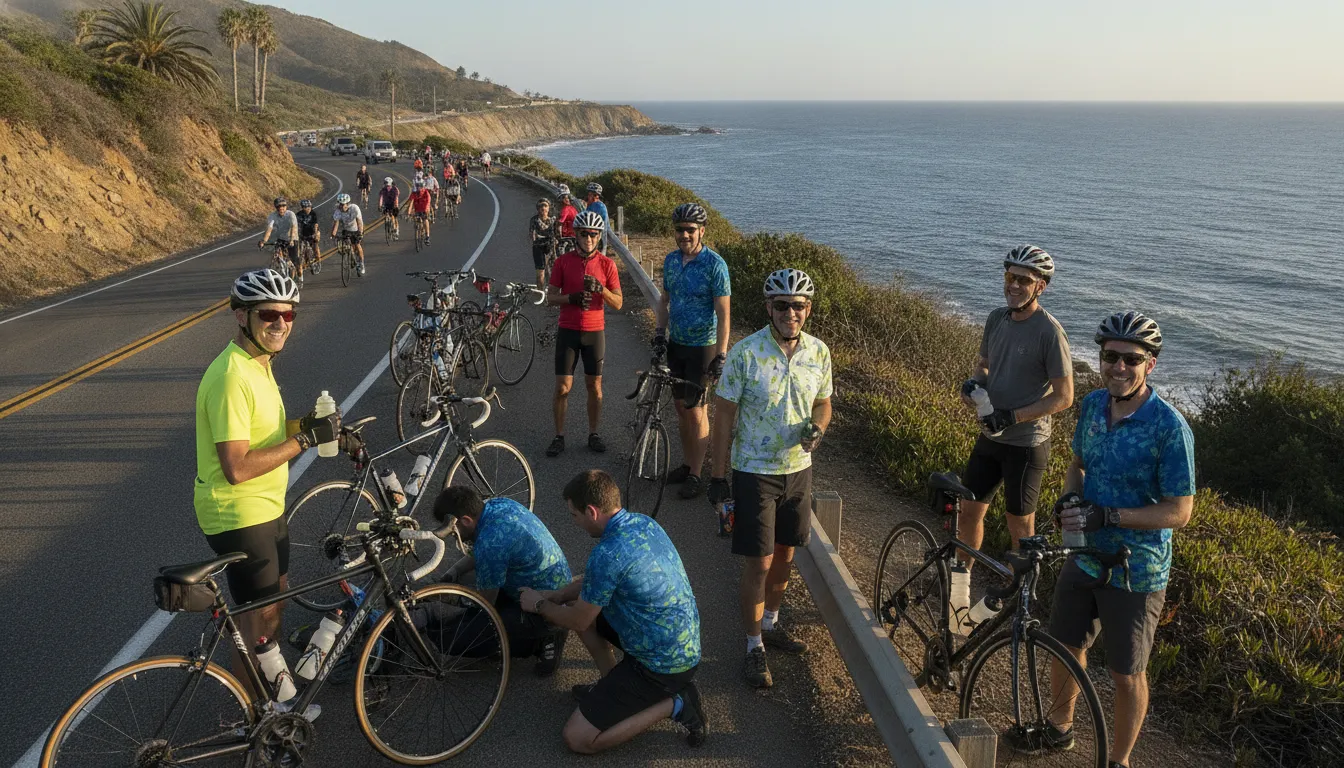
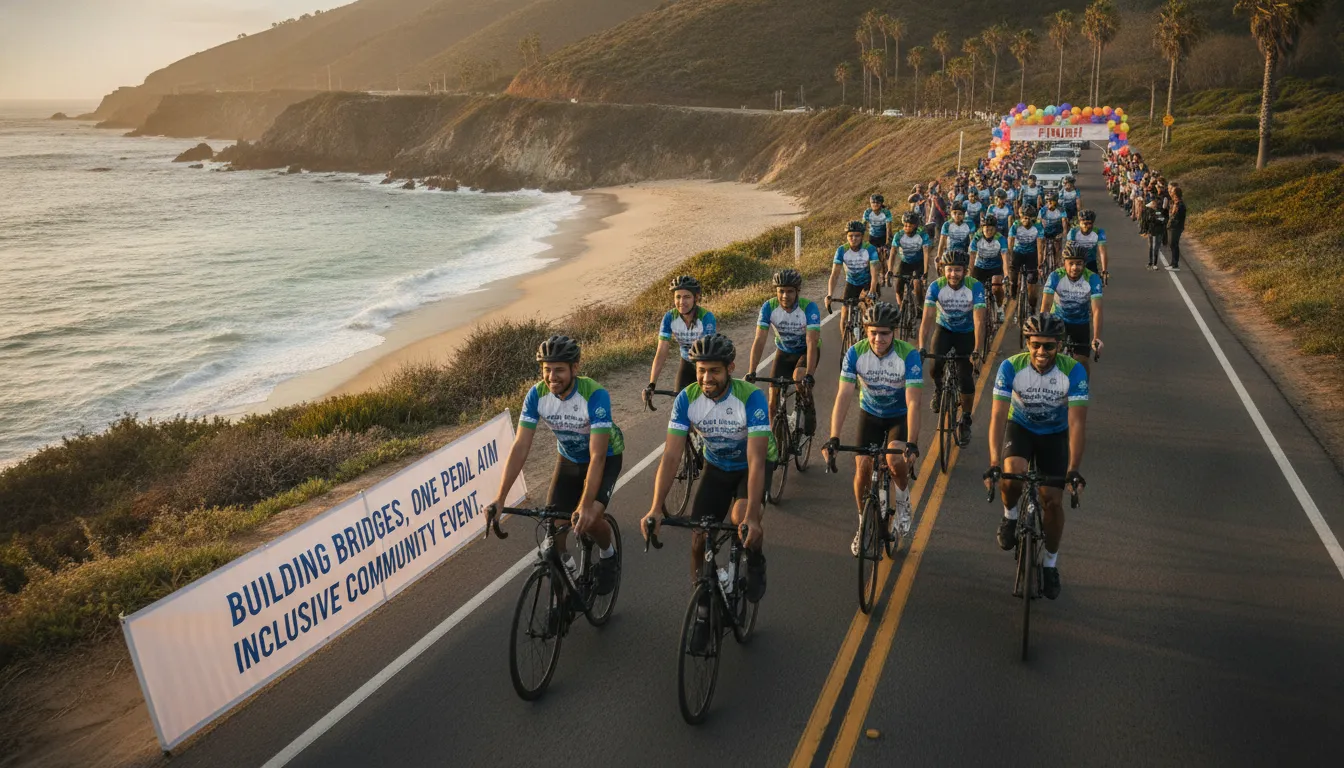
One clear event-organizer example is Bike to the Beach, which connects volunteers with charity bike rides and regional event roles. Companies considering corporate team volunteer opportunities can review the available responsibilities, expectations, and event context before assembling a group. The organization is an event organizer, not a volunteering software provider. Its value comes from the mission, relationships, and on-the-ground experience. A useful partner process ends by asking nonprofits what they need changed, then acting on that feedback before the next opportunity is published.
A Practical Corporate Volunteering Platform Evaluation Checklist
The right corporate volunteering platform should make participation easier for employees while protecting the experience of nonprofit partners. Evaluate the full operating model, not just the employee-facing interface. Ask vendors to demonstrate the workflow with realistic examples, identify who owns each step, and provide evidence rather than relying on feature lists.
| Criterion | Questions to ask | Evidence to request | Risk if ignored |
|---|---|---|---|
| Discovery | How are opportunities sourced, matched to employee interests, and reviewed for community relevance? | Sample opportunity listings, partner-screening steps, and examples across local, virtual, and hybrid formats. | Employees see irrelevant options, while community needs and partner capacity are overlooked. |
| Registration | Can employees find, register for, cancel, and receive reminders about an opportunity without manual support? | A live registration walkthrough, confirmation messages, waitlist behavior, and accessibility testing results. | Drop-off, no-shows, and administrative work reduce participation. |
| Reporting | Can the system separate participation, volunteer hours, stories, and community outcomes? | Sample dashboards and exports, metric definitions, reporting cadence, and a process for validating partner-reported results. | Leadership receives activity counts without a credible view of impact. Points of Light describes reporting that can include participation, volunteer hours, impact stories, and community outcomes, which is a useful benchmark for the level of detail to request. |
| Accessibility | Can employees with disabilities discover, register for, and participate in opportunities? How are accommodations handled? | Accessibility conformance information, keyboard and screen-reader test results, accommodation procedures, and inclusive event guidance. | Qualified employees are excluded, or accessibility issues appear only after registration. Research on inclusive volunteering identifies inaccessible venues and limited organizer knowledge as recurring barriers: review the study findings. |
| Nonprofit partner experience | How do partners create opportunities, set capacity, communicate requirements, and report outcomes? | A nonprofit user demo, partner references, service-level expectations, and escalation process. | Partners absorb hidden administrative work, receive poorly prepared volunteers, or disengage. |
| Pilot testing | Can the platform be tested with more than one employee group, location, and opportunity type? | A written pilot plan with success measures, participant feedback, partner feedback, and exit criteria. | A polished demo masks problems for distributed teams, hourly workers, ERGs, or virtual participants. |
| Implementation ownership | Who configures the program, trains administrators, coordinates events, supports employees, and handles post-event follow-up? | RACI chart, implementation timeline, support contacts, training materials, and sample escalation records. | Your team becomes the default help desk, delaying launch and weakening adoption. |
| Data governance | What personal data is collected, where is it stored, who can access it, and how are retention and deletion managed? | Data map, privacy terms, security documentation, role permissions, retention schedule, and incident-response process. | Sensitive employee or partner information is exposed, retained unnecessarily, or difficult to remove. |
- Score operational fit, employee usability, partner value, inclusion, and governance separately.
- Ask for evidence, ownership, and a practical pilot plan before rollout.
- Choose the option that supports both employees and nonprofit partners.
A platform that performs well in a demo but cannot show ownership or evidence is not ready for a responsible rollout.
Explore corporate volunteering opportunities with Bike to the Beach
Frequently Asked Questions
What should a corporate volunteering platform help employees do?
It should make the full journey clear: discover relevant opportunities, understand the time and participation requirements, register, receive updates, and record completed service. Look for filters that support different locations, schedules, causes, and formats, including in-person, virtual, and hybrid options. The best fit depends on whether your priority is self-service discovery, managed events, or a combination of both.
How can a company evaluate volunteer reporting?
Ask whether the system can separate participation data by program, location, team, or time period and whether administrators can export the information they need. Useful reporting may include registrations, attendance, volunteer hours, impact stories, and community outcomes. Points of Light describes these as elements of practical impact reporting, but every vendor should explain how its data is collected, validated, and shared. Source: Points of Light.
What accessibility features should we check before choosing a platform?
Review the accessibility of the opportunity listings, registration flow, communications, and event formats. Also ask nonprofit partners how accommodations are requested and confirmed. Accessibility is not limited to software: research has identified venue barriers and limited organizer knowledge as obstacles for volunteers with disabilities. Source: study on disability inclusion in volunteering.
How does a platform affect nonprofit partner experience?
Confirm who creates opportunities, manages capacity, communicates with volunteers, handles cancellations, and receives post-event information. A useful system should reduce duplicate data entry rather than transfer administrative work to the nonprofit. Ask whether partners can describe their needs, review participant information appropriately, and receive useful follow-up reporting. Strong platforms should support the relationship, not replace the local knowledge that makes an opportunity meaningful.
Ready to Explore Corporate Volunteering Opportunities?
A thoughtful volunteering platform can make it easier for employees to discover meaningful opportunities, register, and stay connected with nonprofit partners. Explore corporate volunteering opportunities with Bike to the Beach to find a community-focused way for your team to participate.