

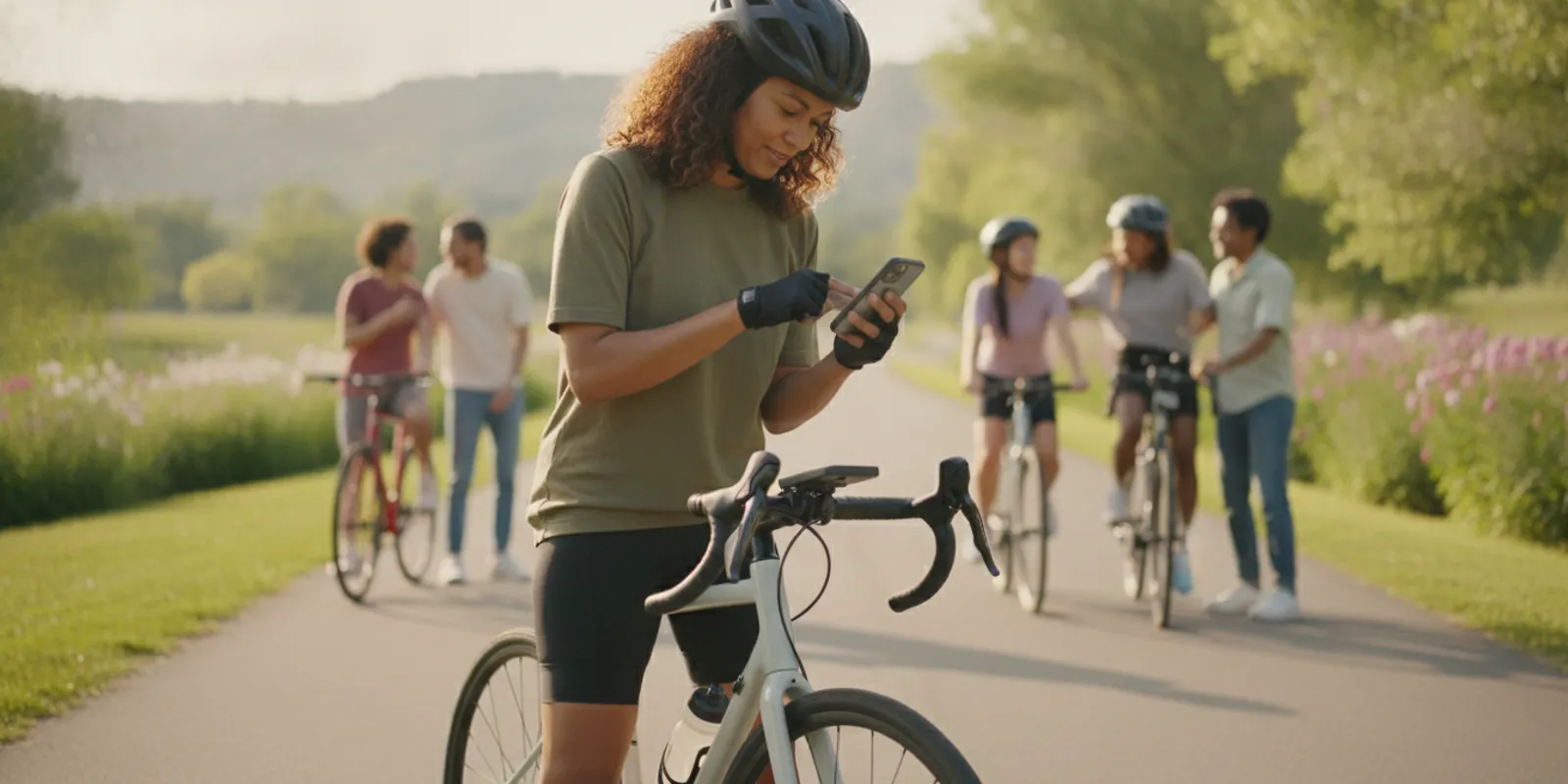
How to Track a Virtual Charity Bike Ride
Learn how to track a virtual charity bike ride with simple tools, fair distance rules, progress updates, and an inclusive plan participants can follow.
Knowing how to track a virtual charity bike ride starts with one simple decision: choose a method every participant can use, then explain the rules before the ride begins. GPS apps, bike computers, fitness trackers, and a paper log can all record progress. The right choice depends on your event goals, participants, and access to technology.
Ask Bike to the Beach about ways to connect
What should a virtual ride track?
Start by defining what counts as progress. Many rides track distance, but a virtual challenge could also count moving time, completed rides, or a shared team goal. Keep the measure easy to understand and report. If participants are riding different routes and at different paces, distance is usually the clearest common measure.
Write down the purpose and boundaries before opening registration. Decide whether participants may ride outdoors, indoors on a stationary bike, or either way. Specify the challenge dates, whether rest days count, and how riders should submit their totals. Avoid adding rules that do not support the event’s purpose.
- Distance: Add the miles or kilometers completed during the challenge window.
- Ride count: Count each ride that meets a stated minimum, if your event has one.
- Team total: Combine individual contributions toward a shared goal.
- Time: Use active riding time only when that measure fits the challenge.
It also helps to distinguish the measure from the purpose. A distance target can make progress visible, but it does not automatically represent fundraising, participation, or community benefit. Decide which outcome matters most, then label each number clearly in the instructions and updates. For example, a group might track miles ridden for the challenge and separately report donations received, if fundraising is part of its plan. Keeping those measures distinct avoids suggesting that a certain distance guarantees a particular result.
Which tracking method should participants use?
Give riders a small set of acceptable options rather than requiring one specific device or app. A GPS-enabled phone app can map an outdoor route and estimate distance. A bike computer can record distance without a phone app. A stationary-bike display can provide a ride total indoors. A paper log is a low-tech alternative when a participant cannot or does not want to use a device.
| Method | Works well for | What to report | Watch for |
|---|---|---|---|
| GPS app | Outdoor rides and route records | Distance, date, and app summary | Battery, GPS signal, and privacy settings |
| Bike computer | Riders who already use a cycling computer | Distance and ride date | Correct wheel settings and recorded start/end |
| Stationary bike | Indoor riding | Console distance or time, plus date | Different machines may calculate distance differently |
| Paper log or spreadsheet | Participants who prefer a manual option | Date, duration, distance, and initials if needed | Clear, consistent self-reporting instructions |
The American Cancer Society describes its virtual challenges as operating on the honor system and notes that participants can use fitness trackers, mobile apps, printed trackers, spreadsheets, or another method. That is a useful model for a community event: make the expected reporting clear without making a particular brand of device the price of participation. See the American Cancer Society’s virtual challenge guidance.
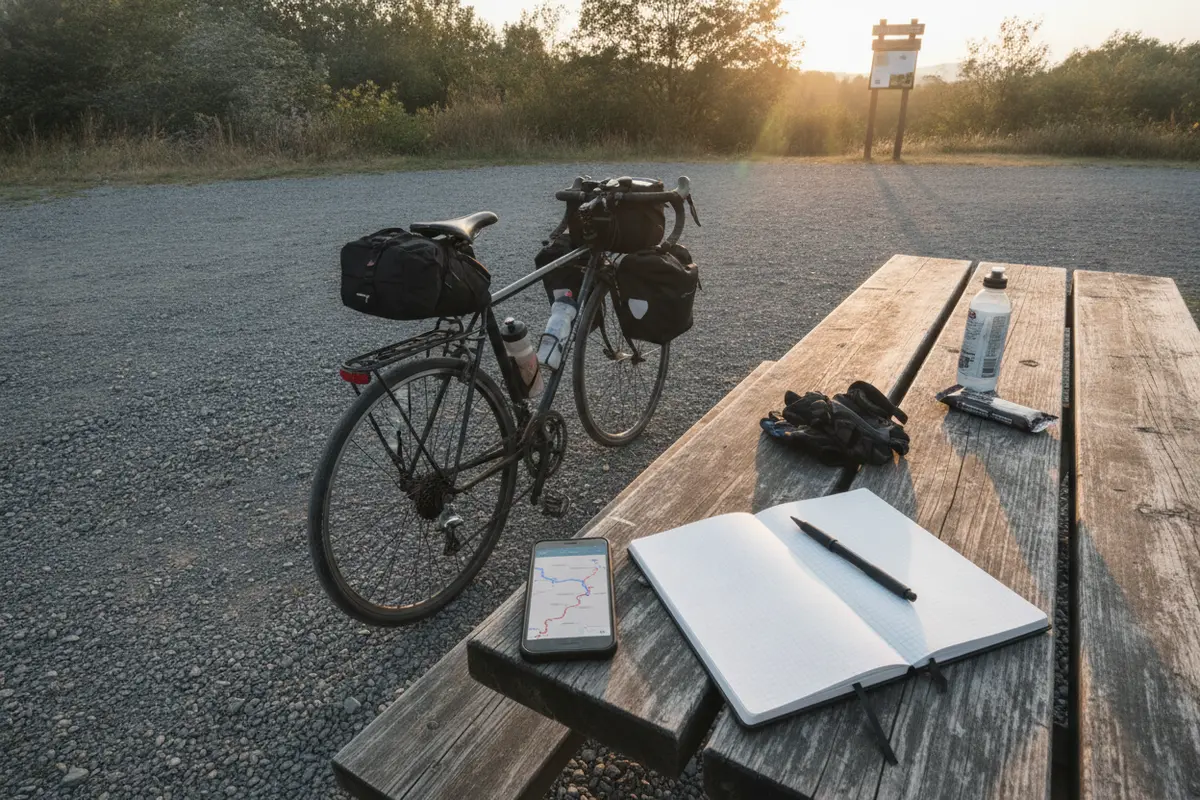
Before choosing an app or device, ask what information the challenge actually needs. If the organizer needs only a total and date, a route map may be unnecessary. A GPS trace can be useful for someone who wants a personal record, but requiring it adds steps and may make participation less comfortable for people who do not want to share location details. A paper log can be a complete option when the event accepts self-reported results.
For indoor rides, be explicit about which display reading counts. Some machines show distance, time, or both, and participants may use different models. If the challenge accepts time rather than distance for indoor cycling, describe that rule in advance instead of asking riders to compare unlike machine estimates. This makes the choice understandable before anyone begins.
How do you set fair tracking rules?
Fairness comes from consistent rules, not from forcing everyone to use identical equipment. Publish a short tracking guide that answers the same questions for every participant.
- Set the window. Name the first and last date, and state the time zone if submissions close at a specific hour.
- Define eligible activity. Say whether indoor rides count and how team members may combine totals.
- Choose the reporting unit. Use miles or kilometers and specify how rounding works.
- Explain accepted evidence. For example, participants can submit an app summary, a bike-computer display, or a completed log.
- Offer a correction route. Tell riders whom to contact if a device failed or a submission needs updating.
Keep the policy proportionate to the event. A friendly challenge may not need extensive documentation. If a leaderboard or prize is involved, explain how entries will be reviewed and how disputes will be handled before the challenge starts. Do not promise that every GPS reading is exact; device readings can vary.
Make the rules easy to find in the registration confirmation, event page, or welcome message. Do not rely on a social post that participants may miss. If you change a rule after the challenge begins, explain what changed, when it takes effect, and how it will apply to entries already submitted. A short written policy gives riders and organizers the same reference point.
Decide how to handle rounding and partial rides with a simple example. If the form accepts one decimal place, say whether riders should round normally or enter the display as shown. If a participant logs a ride that crosses the start or end date, define which date controls. These small decisions prevent avoidable confusion later.
How can riders record and submit progress?
Ask participants to record each ride soon after finishing, while the details are fresh. A simple entry can include the date, distance, riding method, and a screenshot or short note where appropriate. Set one submission point and one deadline. If you use a shared form or spreadsheet, limit access to the information needed to administer the challenge.
For an individual rider, a basic log might look like this:
| Date | Ride type | Distance | Record |
|---|---|---|---|
| Ride date | Outdoor or indoor | Miles or kilometers | App, computer, console, or manual |
| Ride date | Outdoor or indoor | Miles or kilometers | App, computer, console, or manual |
A useful submission form should ask only for information that serves the challenge. Consider fields for participant or team name, ride date, distance, unit, and tracking method. If evidence is optional, say so. If a screenshot is requested for a contest, explain what part of the display is needed and remind participants to hide unrelated information before sending it.
For teams, name one person to collect totals and check that everyone is using the same unit. Report individual and combined progress separately if both are meaningful. A team total can build momentum, while individual entries make it easier to spot missing submissions.
Set a regular reconciliation routine. For example, a team lead can compare submitted entries with the team roster once a week, flag missing dates, and ask for corrections before a final total is shared. Avoid waiting until the last day to find gaps. If late entries are allowed, publish the deadline and the process for including them. Consistent handling is more important than creating a complicated review system.
Organizers can keep a simple master sheet with columns for the participant, date, amount, unit, method, and status. Use a consistent naming convention for teams and decide who can edit the file. This supports a quick check for duplicate entries or unit mismatches while reducing accidental changes to the total. A small event may manage submissions through one designated coordinator rather than a shared sheet; the important point is to know where records live and who maintains them.
How do you make tracking accessible?
Tracking should support participation, not become a barrier. Some riders may not own a GPS device, may prefer not to share location data, or may ride indoors. Make an offline option available and explain that a route map is not required if the challenge only needs a distance total.
Use plain instructions, large readable forms, and a contact route for questions. Offer more than one way to send a result when practical. Consider privacy before asking for screenshots: riders can crop or cover unrelated personal details, and organizers should collect only what they need. Do not ask participants to post live location publicly.
Accessibility includes the way the challenge is paced and communicated. Make clear whether riders can split a target across several days, take rest days, or contribute through a team total. If the event includes people with different schedules, abilities, equipment, or experience, flexible participation rules can give more people a meaningful way to contribute. Do not assume that everyone can ride the same distance or use the same device.
Offer instructions in a format participants can use on a phone as well as on a computer. Keep forms uncluttered, label units beside each field, and avoid requiring tiny text or a route map as the only proof. If someone needs help submitting a result, provide a contact option and allow a reasonable way to explain the issue. These steps make the process easier without changing what the challenge is measuring.
Bike to the Beach brings cycling and charitable giving together in a community setting. Readers can learn about the organization’s local-impact mission or explore the community pathways for taking part. The organization also offers a guide to fully supported rides for those planning an in-person event.
What can go wrong, and how can you respond?
Technology problems are common enough to plan for. A phone can lose battery, an app can stop recording, and indoor equipment may display a different unit than expected. Give participants a fallback method and tell them what to do when a record is incomplete. For example, they can note the distance shown at the end of the ride and submit a brief explanation instead of abandoning the challenge.
- GPS stopped early: Submit the recorded segment and a manual estimate only if your event rules allow it.
- Wrong unit selected: Convert consistently and show the conversion rule in the instructions.
- Missing record: Use the approved manual log and indicate that it is self-reported.
- Duplicate entry: Ask the participant to identify the correct record before totals are finalized.
Keep the tone supportive. The purpose is to help people take part and make progress, not to turn every ride into an audit. If results are used for a competition, apply the same review process to all participants.
Include a basic contingency in the participant instructions. If a device runs out of power, riders can write down what they remember only if the event accepts that method. If an upload fails, they should retain the original record and try again before the deadline. If a submitted entry has the wrong unit, the organizer can request clarification rather than silently changing it. Clear, calm steps reduce uncertainty and help preserve trust in the final total.
When a participant reports a problem, acknowledge the message and explain the next step. Keep a record of changes to totals, especially if a public leaderboard is involved. If a correction affects a team result, update the same channels where the earlier result appeared. Quietly changing numbers can create confusion; a brief note about the correction is often enough.
How should you share progress with the group?
Updates can help a virtual event feel shared even when riders are far apart. Post a cumulative distance or team milestone at a predictable cadence, such as once a week. Celebrate participation and consistency as well as totals. Ask permission before publishing a participant’s name, photo, route, or personal story.
Use clear labels so people understand what a number represents. A community total should state the period covered and whether it includes indoor activity or self-reported entries. Avoid implying that distance alone measures charitable impact. If fundraising is part of the challenge, report ride progress and fundraising progress as separate measures.
Choose a format that suits the group. A short email can share the current total and a next milestone; a team message can remind people about the submission deadline; a simple progress bar can show movement toward a shared target. Whatever the format, keep the explanation alongside the number so readers know what is included. Avoid publishing a detailed route or individual location record unless the rider has clearly agreed to it.
For inspiration on virtual event formats, BetterNow’s virtual charity event ideas includes a cross-country journey concept in which participants track progress toward a shared route. Keep the map or milestone visual simple, and make sure participants can contribute without sharing precise location data.
Set expectations about when updates will stop and when the final total will be confirmed. Participants should know whether the last progress post is provisional or final, and whether the organizer will share a closing summary. A thoughtful wrap-up can recognize the work people put in, explain what was achieved according to the measures you tracked, and point to what comes next without overstating the meaning of a mileage figure.
How can a virtual ride connect to local impact?
A tracking plan works best when participants know why they are riding and how to stay involved. Bike to the Beach’s mission connects cycling, fitness, and charitable giving with local autism and disability organizations. Learn more about the Bike to the Beach rides, or use the contact page to ask a question about ways to connect.
For a group organizing its own virtual event, explain the purpose in a few sentences, set a realistic shared goal, and follow up after the challenge. Thank riders, share the results you can support, and explain what happens next. That close-the-loop step helps turn a short challenge into an ongoing community connection.
Small gestures can reinforce the connection between activity and purpose. Invite participants to share why they joined, if they want to, and provide a simple way to recognize teams or milestones. Do not make personal disclosure a condition of taking part. Keep the focus on a shared effort, with space for each rider to participate at a comfortable level and celebrate progress in their own way.
For Bike to the Beach, community extends beyond one ride day. The organization’s community page describes ways to stay connected. Readers considering an organized charity ride can also review the beginner’s guide to riding for a cause and the guide to planning a charity cycle ride for related planning considerations.
Ask a question about connecting with Bike to the Beach
Frequently Asked Questions
Do participants need the same tracking app?
No. A GPS app, cycling computer, stationary-bike console, or paper log can work if the event clearly states what details to submit and applies the same rules to everyone.
Can an indoor ride count toward a virtual challenge?
It can if the organizer’s rules allow indoor riding. State this before the challenge begins and explain what participants should record from a stationary bike.
Should participants share their route?
Not necessarily. If the event measures distance, a total and date may be enough. Avoid requiring public route sharing, and let riders know how any submitted information will be used.
What if a tracking app fails during a ride?
Use the event’s fallback process, such as a bike-computer display or manual log, and note that the entry is self-reported. The organizer should decide and publish this process in advance.
How often should organizers post updates?
Choose a cadence the team can maintain, such as a weekly summary. Report the time period and what the total includes so participants can understand the update.
Ready to ride with a community?
A thoughtful tracking plan makes a virtual charity bike ride easier to join, easier to manage, and more welcoming to different kinds of riders. Start with clear measures, offer flexible tools, protect participant privacy, and keep the shared purpose visible from the first ride to the final update.